BetaLogin
Tipulidae
Records database for crane flies (Tipulidae): more than 10,000 records with maps, analyses and Darwin Core export. Access with an account only.
vitlab is Elektrovog’s web lab for sound, image and data. Here you can try out apps: finished works to look at (showcase) and new versions to test (beta). Feedback is welcome.
Databases with analysis and maps for research projects.
Records database for crane flies (Tipulidae): more than 10,000 records with maps, analyses and Darwin Core export. Access with an account only.
Audio-reactive graphics in real time.
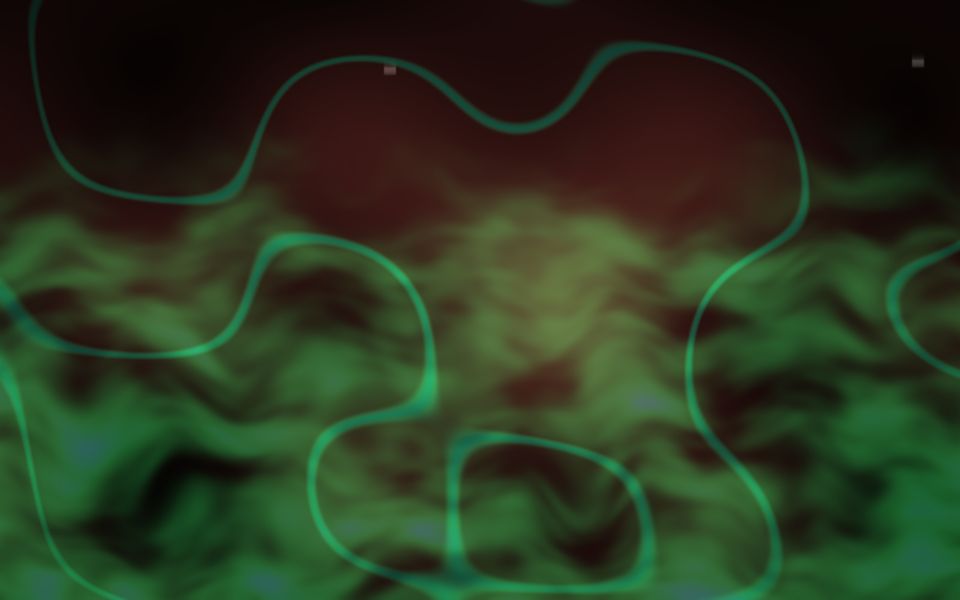
Audio-reactive WebGL shaders in real time: two layers, 16 scenes, seamless blending. Shown here as a demo without audio input.
Press “Start”; control with the keyboard.
Apps for audience-participation performances: the audience plays along on their own phones. Built with soundworks (Ircam).
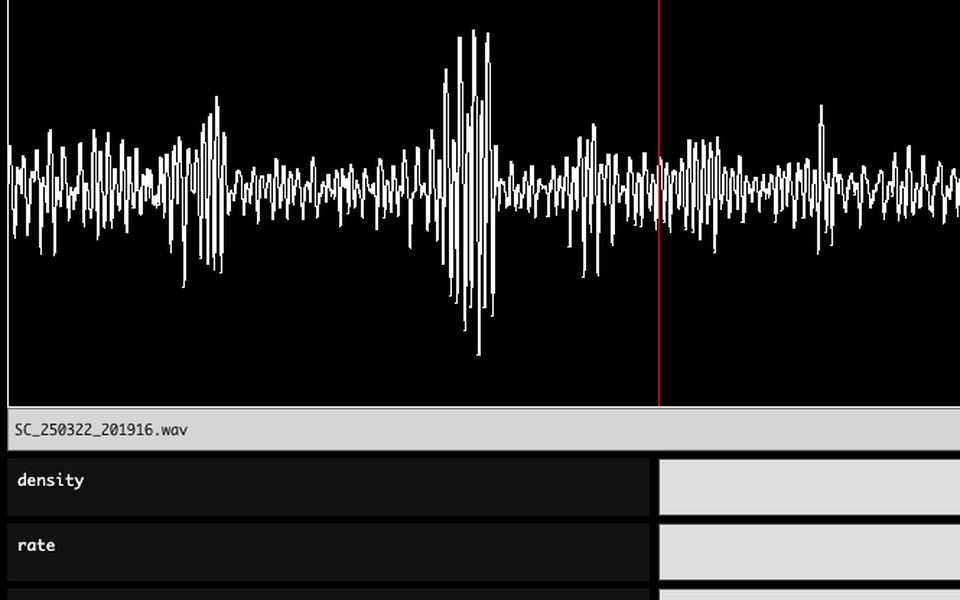
Every audience member controls a granular synthesizer on their own phone: choose a sound, a position within it, density and rate. Together they create a field of sound.
Open on your phone. Sounds best when several people play at the same time.
A button on the phone triggers a sound; what it plays is shaped live by the performer. Part of “Responsive Space”.
Open on your phone. Sounds best when several people play at the same time.
Small synthesizers and tools in the browser, built with Web Audio.
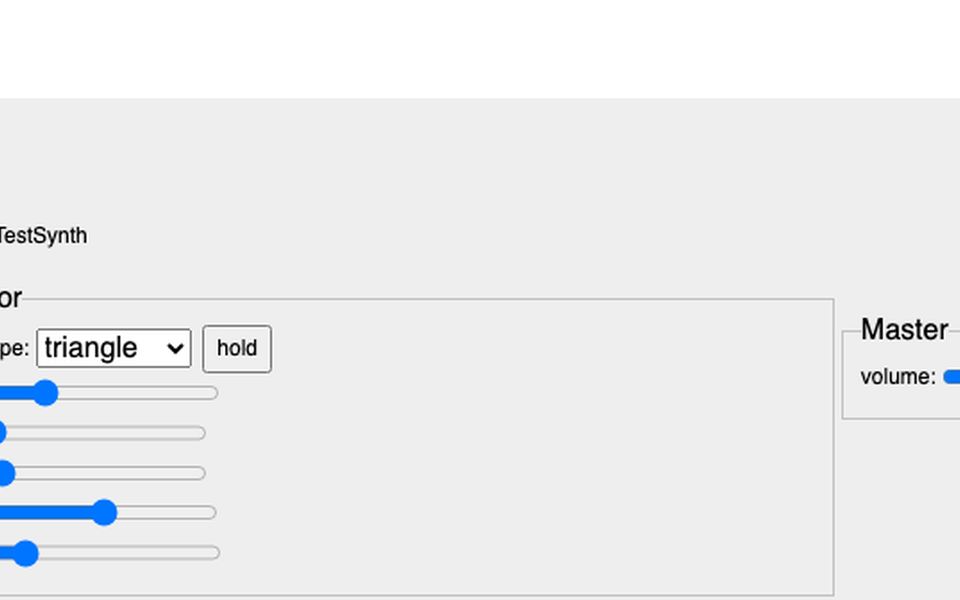
A simple synthesizer in the browser with sliders for timbre and envelope. The sound engine behind the Sound Colour Space diagrams.
Switch sound on (“on”), then click. Headphones recommended. Best on a computer.
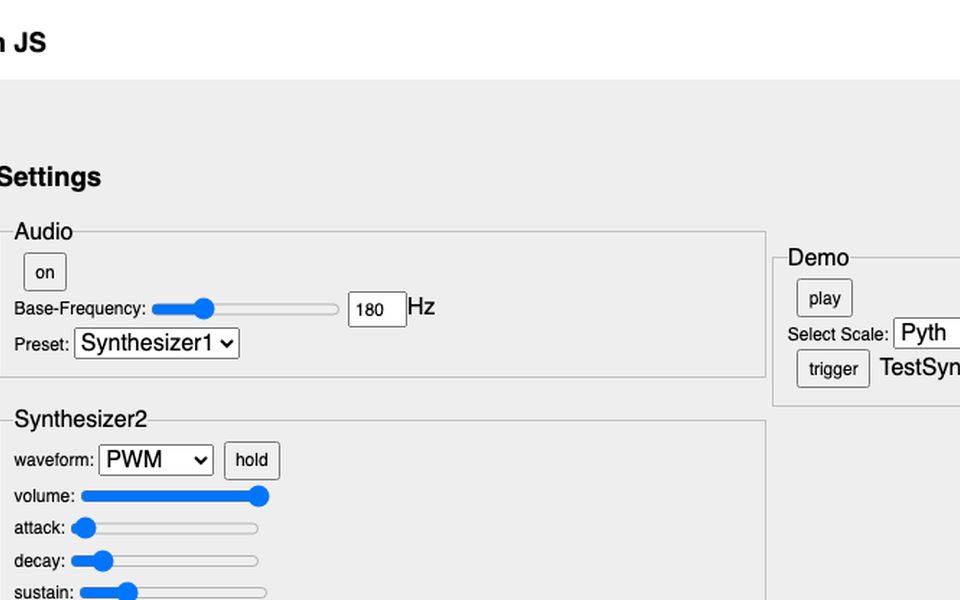
The same interface using the Gibber audio library instead of plain Web Audio code.
Switch sound on (“on”), then click. Headphones recommended. Best on a computer.
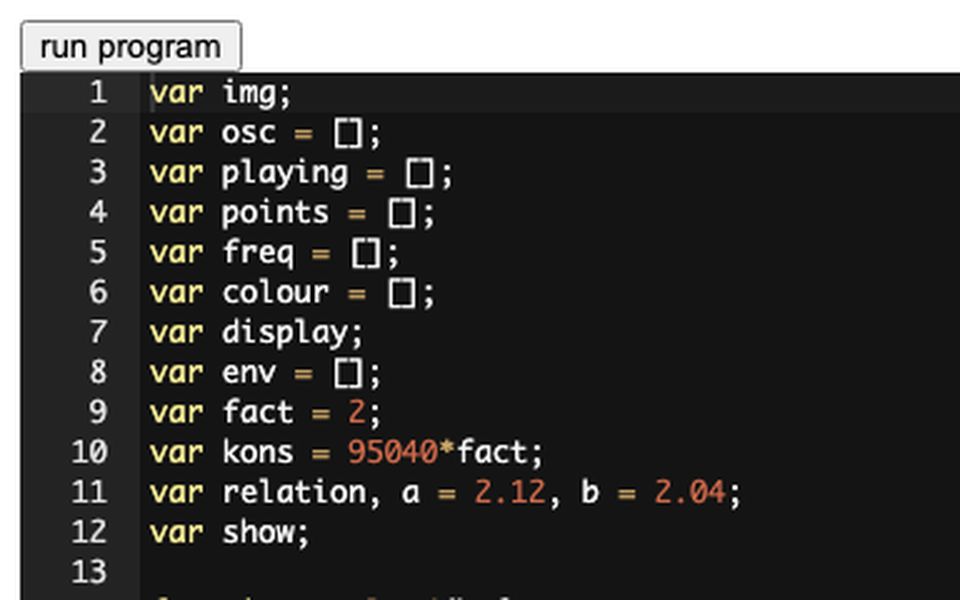
Write code in the browser and run it right away (Ace editor with p5.js). A Sound Colour Space diagram is loaded as an example.
Open on a computer; use headphones.
Historical diagrams of tone systems, made audible. Click on points, circles and lines to hear the intervals the author drew. Created in the research project “Sound Colour Space – A Virtual Museum” at Zurich University of the Arts (ZHdK).
Project website: sound-colour-space.zhdk.ch ↗
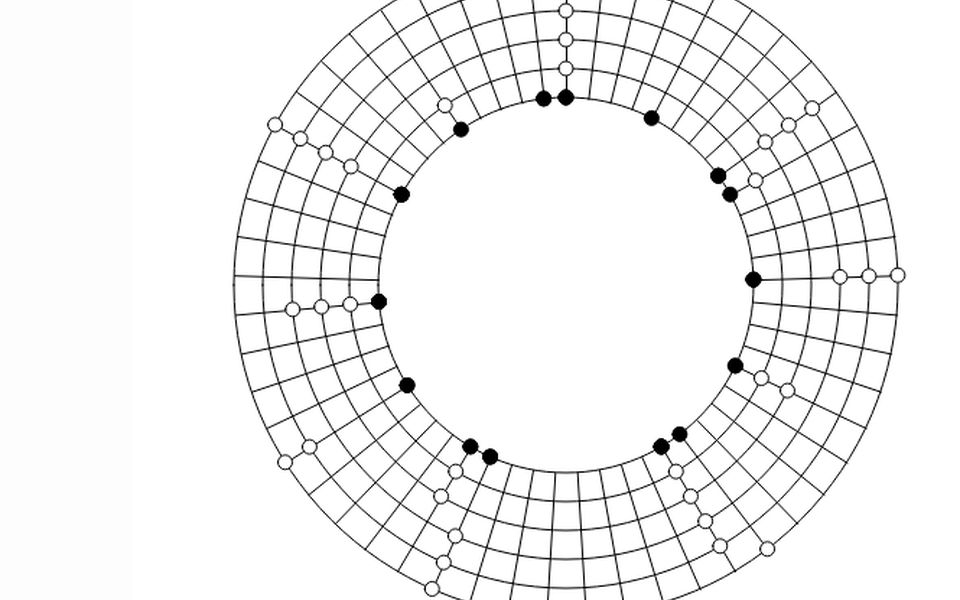
Isaac Newton arranged the notes of the scale on a circle, like the colours of the spectrum. Click the sections of the circle to hear them.
Switch sound on (“on”), then click. Headphones recommended. Best on a computer.
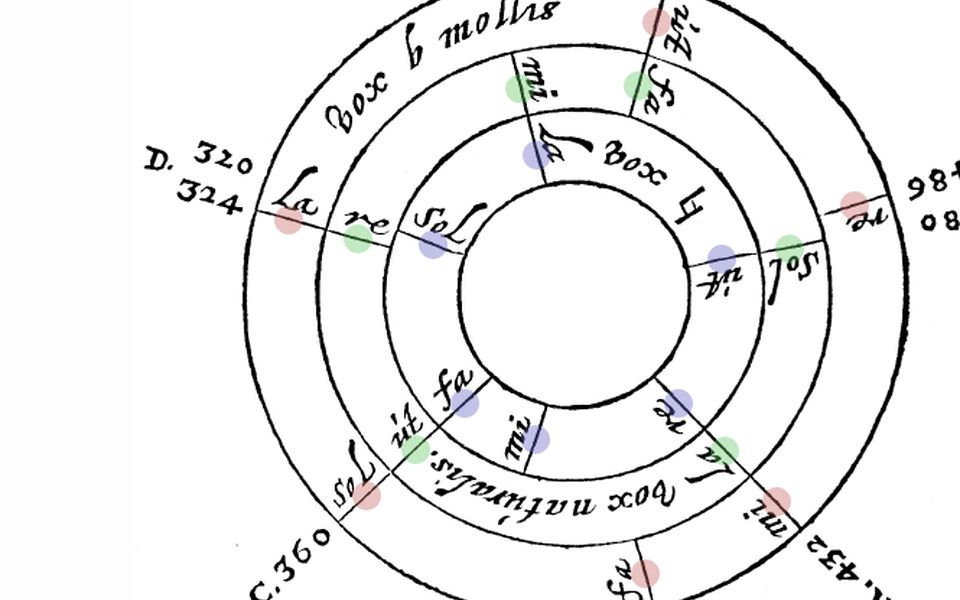
In his “Compendium Musicae” René Descartes shows how the hexachords interlock. Every note of the diagram sounds when clicked.
Switch sound on (“on”), then click. Headphones recommended. Best on a computer.
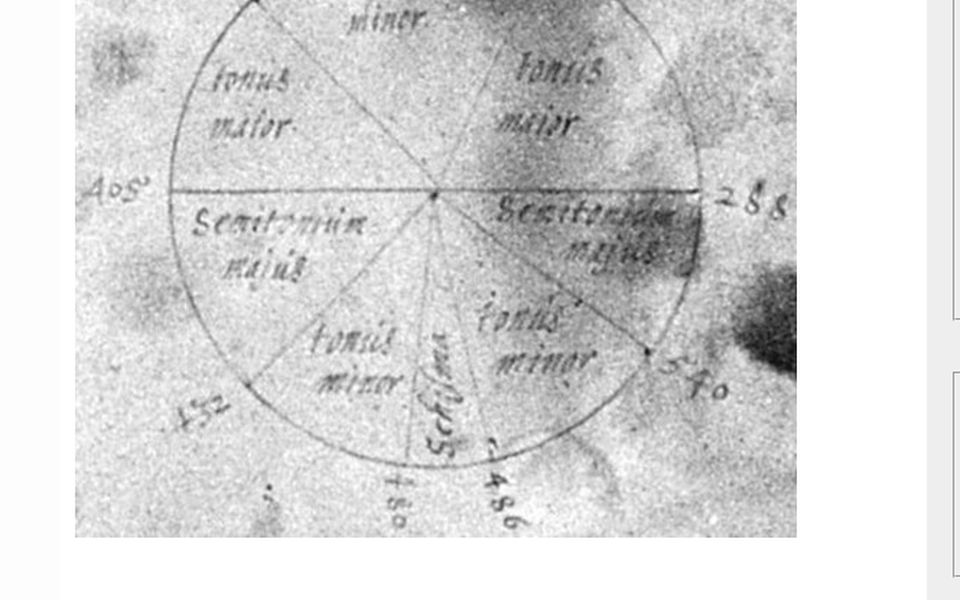
Descartes’ circle of the diatonic scale: major and minor whole tones and semitones as sections of a circle. The original illustration lies underneath; the points sound when clicked.
Switch sound on (“on”), then click. Headphones recommended. Best on a computer.
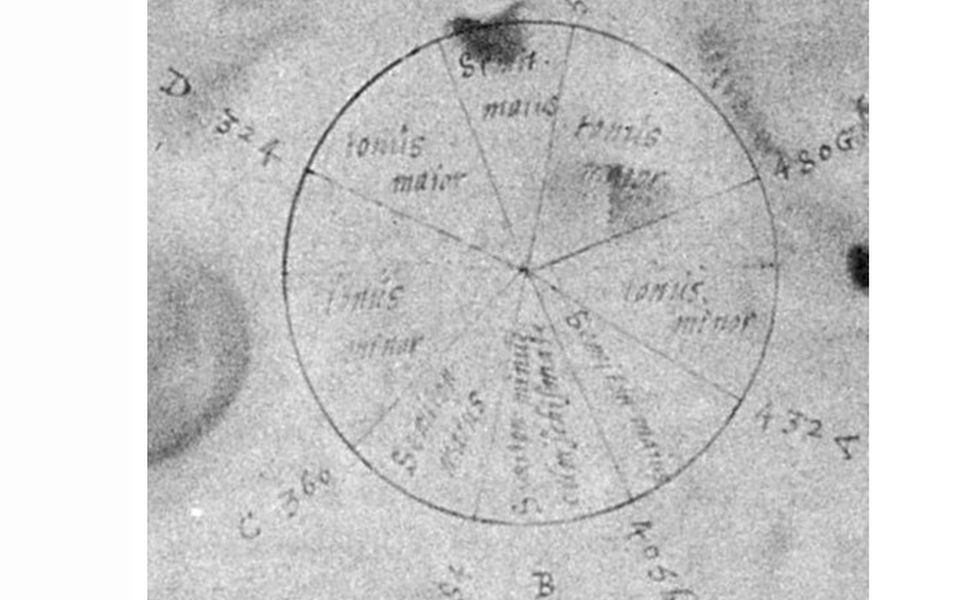
A second version of Descartes’ scale circle with a different division. The original can be shown or hidden, moved and rotated.
Switch sound on (“on”), then click. Headphones recommended. Best on a computer.
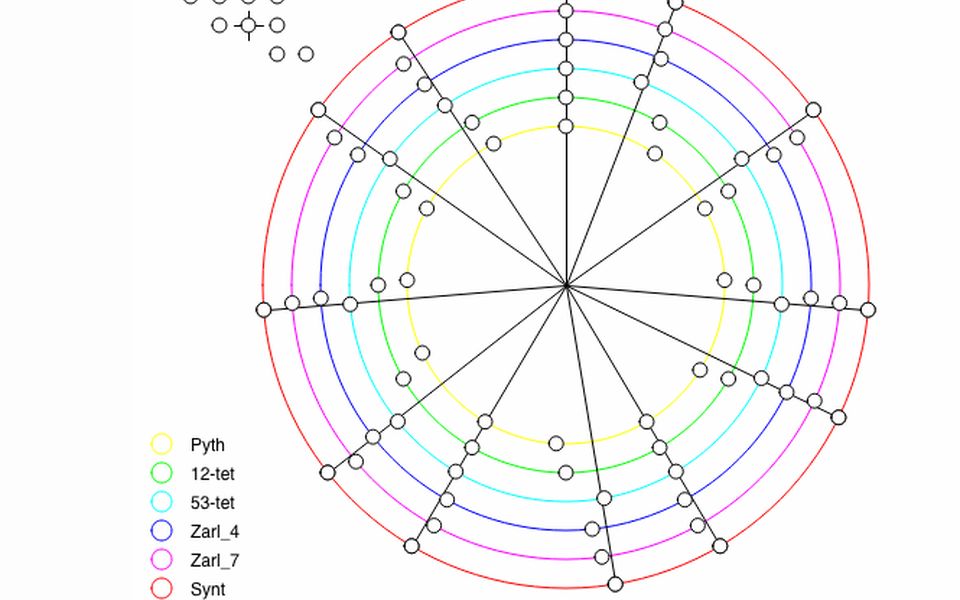
Several tuning systems as rings on one circle – Pythagorean, equal temperament with 12 and 53 notes, Zarlino and others – so the small differences between them become audible.
Switch sound on (“on”), then click. Headphones recommended. Best on a computer.
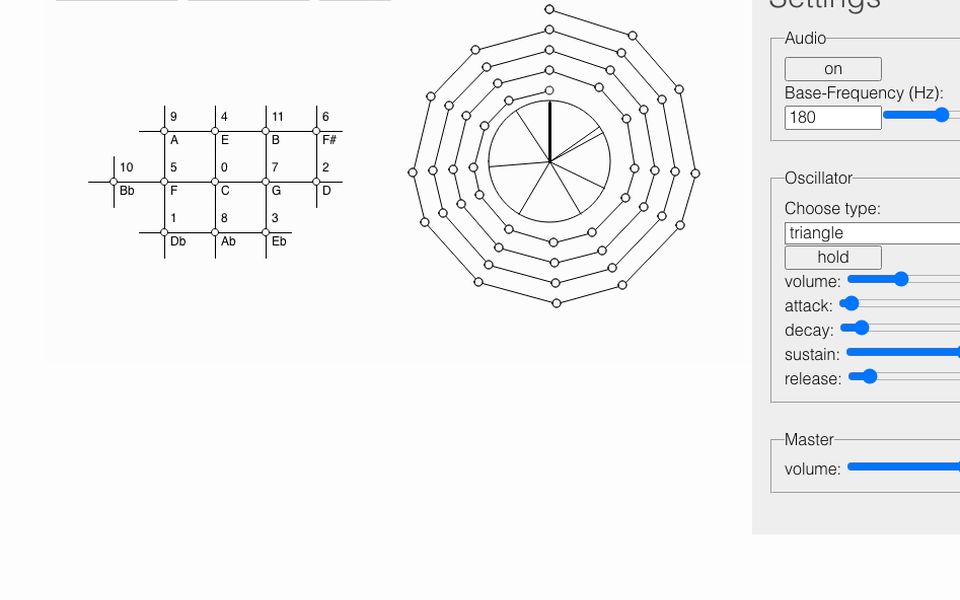
Just intonation as a spiral and as a note table after Mersenne: because fifths and thirds never quite close the circle, the tuning drifts outwards.
Switch sound on (“on”), then click. Headphones recommended. Best on a computer.